![master_logo_hi_res small.png]](https://support.promax.com/hs-fs/hubfs/Customer%20Logos/master_logo_hi_res%20small.png?height=40&name=master_logo_hi_res%20small.png)
TeamViewer ID via Platform
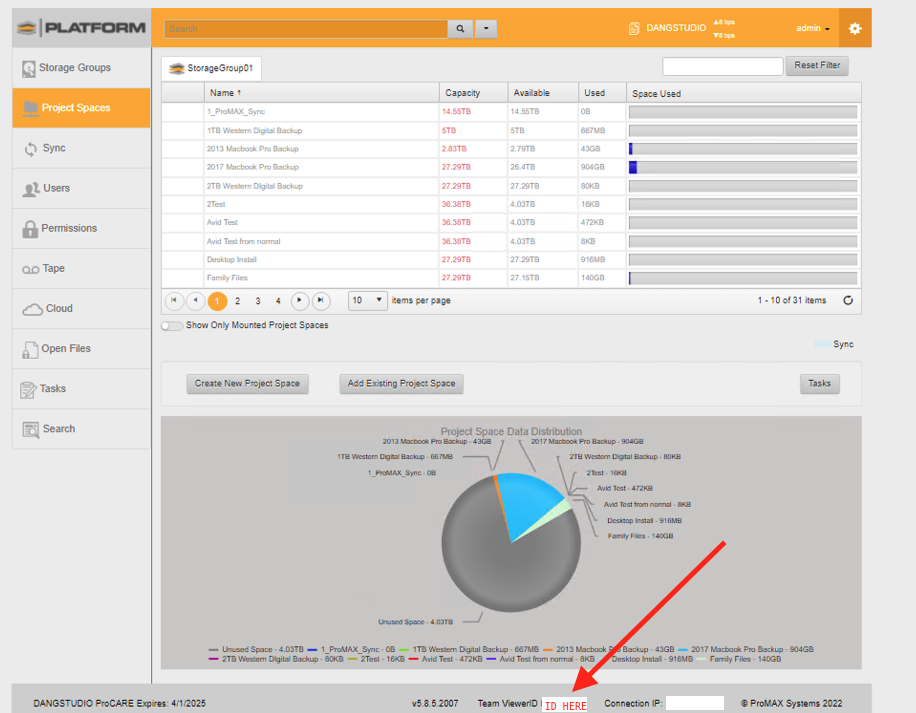
Direct access to server
1. Server must be on an active internet connection to the outside world (eg. Can reach websites from server). If the server does not, please skip to Remote access via workstation section.
2. Server must be logged in locally and not through an RDP (Remote Desktop Connection). If server does not have a monitor, mouse, and keyboard, please skip to Remote access via workstation section.
3. TeamViewer session must be running and ID must be supplied to support technician. If teamviewer is not running or needs to be updated, please see article here.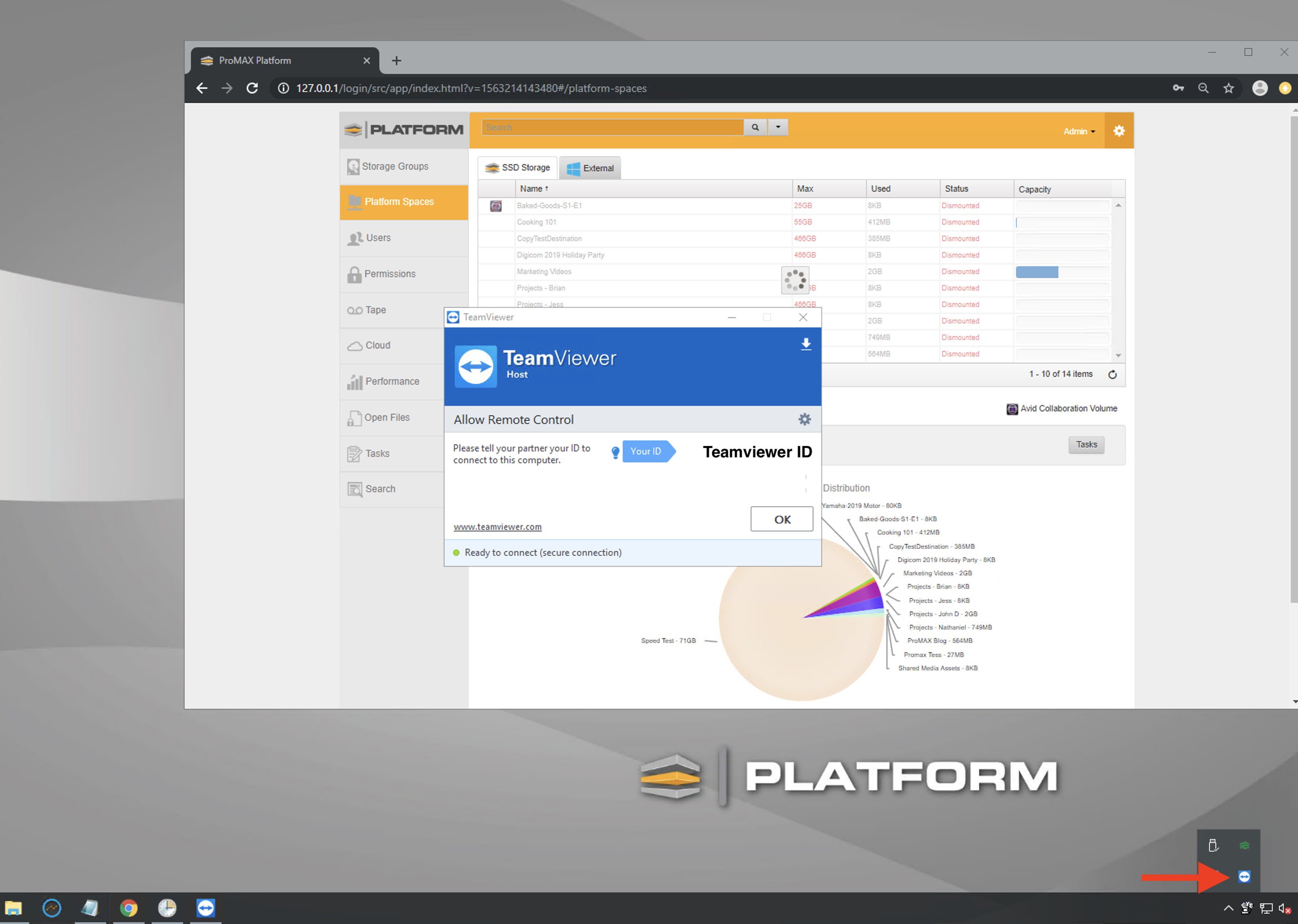
Remote access via workstation
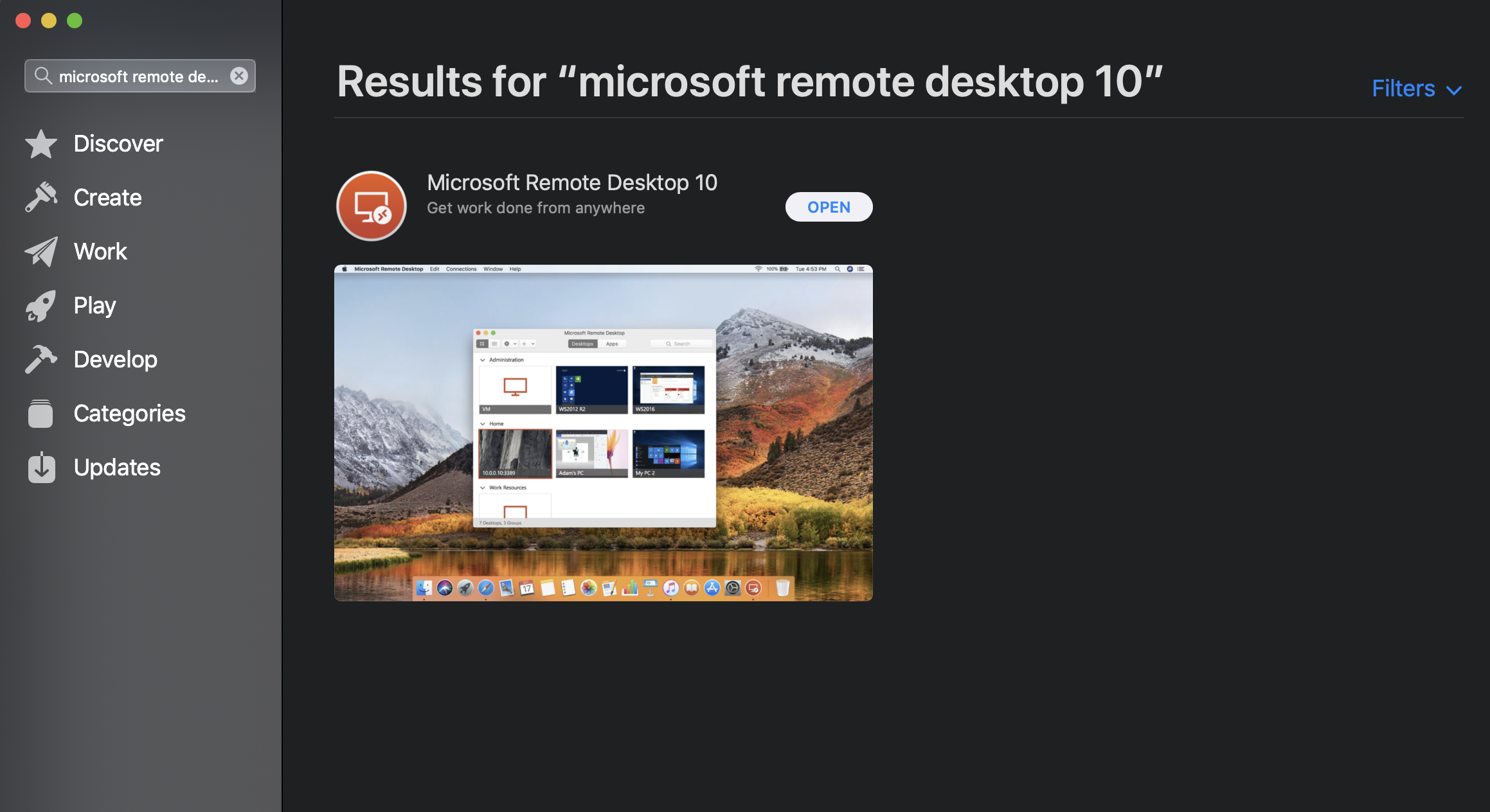
RDP will need to remain open during the time a support tech will be on the server otherwise the connection will be cut from support.
This is what happens when RDP is minimized or turned off during troubleshooting.
Mac Workstation Access